Web Accessibility: Why It's Mandatory
Imagine being unable to shop online, check your accounts, or read the news because of a poorly designed website. For millions of users, this is a daily reality.
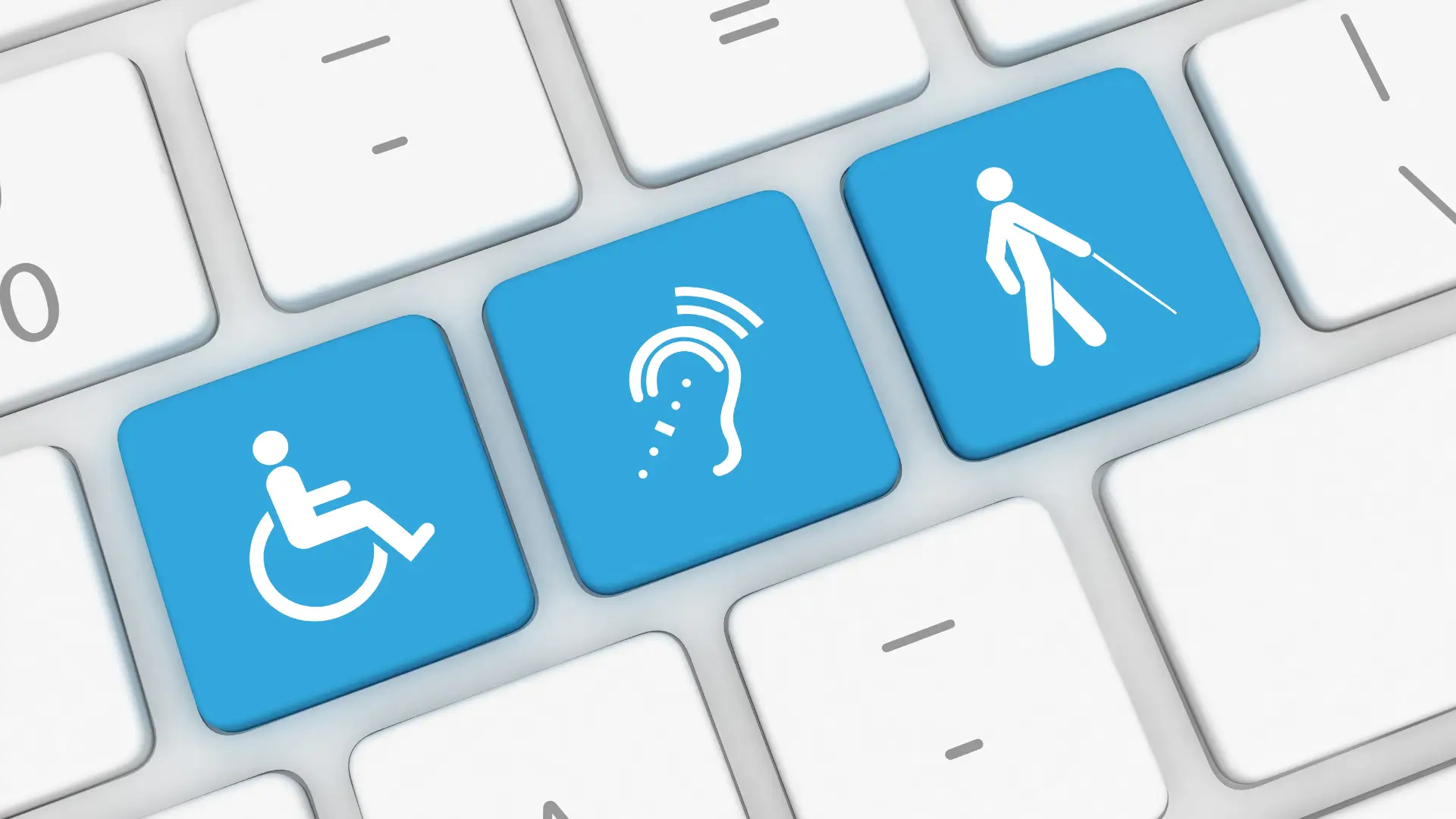
Did you know that 15% of the world's population lives with a disability? That's over 1.3 billion people (Source : World Health Organization, 2023 (opens in a new tab)).
Yet only 4% of websites are fully accessible (Source : AccessibilityChecker 2024 (opens in a new tab)).
What is Web Accessibility?
According to the official definition from the W3C (opens in a new tab) (Web Accessibility Initiative), web accessibility means that websites, tools, and technologies are designed and developed so that people with disabilities can use them. More specifically, people can:
•perceive, understand, navigate, and interact with the Web
•contribute to the Web
Main disabilities concerned:
•Visual impairment: blindness, low vision, color blindness (285 million people worldwide)
•Hearing impairment: deafness, hard of hearing (466 million people)
•Motor disability: mobility difficulties (paralysis, tremors)
•Cognitive disability: dyslexia, attention disorders, intellectual disability
Assistive technologies used:
•Screen readers (NVDA, JAWS, VoiceOver)
•Screen magnifiers for users with low vision
•Keyboard-only navigation
•Voice recognition (Dragon NaturallySpeaking)
•Switch devices for severe motor disabilities
1. A Fundamental Right: Digital Access for All
Access to the web is a fundamental human right. In 2014, the UN recognized internet access as a human right (Source : UN Resolution A/HRC/RES/26/13 (opens in a new tab)).
Every digital barrier deprives millions of people of essential services: banking, government, commerce, education.
It's systemic discrimination that condemns them to dependence and social isolation.
2. Legal Obligations: Growing Requirements Worldwide
The law now imposes strict constraints.
In the United States: ADA Requirements
The Americans with Disabilities Act (ADA) applies to digital spaces (Title III ADA):
•Public accommodations must be accessible
•Government websites must comply with Section 508
•Private businesses increasingly face lawsuits
•Educational institutions must meet accessibility standards
Penalties: Up to $75,000 for first violations, $150,000 for subsequent violations.
2025: Global Expansion of Digital Accessibility Laws
Countries implementing stricter accessibility requirements:
| Region/Country | Regulation | Covered Sectors | Penalties |
|---|---|---|---|
| European Union | European Accessibility Act (EAA) | E-commerce, banking, transport, telecom | Fines + market exclusion |
| Canada | Accessible Canada Act | Federal organizations, transport, telecom | Administrative monetary penalties |
| Australia | Disability Discrimination Act | Government, public services, large businesses | Legal action + compensation |
| Japan | JIS X 8341 Standards | Government, public institutions | Compliance requirements |
Target vs Domino's: Two Approaches, Two Destinies
✅ Target (success story):
After making their site accessible following a 2006 lawsuit, Target saw:
•+71% increase in traffic
•+$13 million in additional annual revenue
•Overall improvement in user experience
❌ Domino's (costly failure):
Guillermo Robles, who is blind, couldn't order pizza on Domino's website:
•Lost lawsuit in 2019: site inaccessible to screen readers
•Legal costs: several million dollars
•Damaged brand image + boycotts
•Required complete redesign
3. Universal Benefits: Much More Than Disability
Accessibility benefits everyone, not just people with disabilities. It's the principle of "universal design."
Seniors: 67% Experience Digital Difficulties
Over 54 million Americans are 65 or older, and 67% experience difficulties with digital interfaces (Source: US Census Bureau 2020).
Their specific needs:
•Larger text (minimum 16px size)
•High contrast (vision problems)
•Simplified navigation (reduced dexterity)
•Larger buttons (reduced precision)
•Clear language (avoid jargon)
Their purchasing power: Seniors control a significant portion of household wealth and represent the fastest-growing consumer segment online (Source: INSEE - Household Wealth Survey 2018).
Situational Use: Accessibility Helps Everyone
Accessibility benefits in many everyday situations:
| Common Situation | Temporary Problem | Accessible Solution | % Population |
|---|---|---|---|
| Broken arm/in cast | Temporary motor disability | Keyboard/voice navigation | 15 % population/year |
| Eye strain/fatigue | Temporarily reduced vision | Dark mode, high contrast | 80 % screen workers |
| Noisy transport | Cannot hear audio | Automatic captions | 100 % in transport |
| Screen in bright sunlight | Reduced readability | Large text, strong contrast | 90 % mobile users |
| Driving | Eyes focused on road | Complete voice interface | 85 % drivers |
Business reality: Captions are used by 80% of viewers, not just by people who are deaf. Accessibility improves everyone's experience.
4. ROI and Business Impact: The Numbers That Matter
Accessibility generates measurable and immediate return on investment.
Measured Business Benefits
Companies investing in accessibility report:
| Benefit | Average Impact | Source | Concrete Example |
|---|---|---|---|
| Traffic Increase | + 30 to 71 % | Click-Away Pound 2019 | Target: + $13M annual revenue |
| SEO Improvement | + 50 % ranking | Moz Research 2024 | HTML structure = better crawling |
| Support Cost Reduction | - 25 to 40 % | Barclays Case Study | Clearer site = fewer calls |
| Audience Expansion | + 30 % users | Microsoft Research | Captions = 80 % total usage |
| Legal Risk Avoidance | Up to $150k saved | UsableNet ADA Report | No lawsuits = no fines |
SEO Boost: Google Rewards Accessibility
Accessibility and SEO share the same fundamentals:
- +50% better Google positions (Source : Moz Accessibility Study 2024 (opens in a new tab))
- +25% indexed pages (clear HTML structure)
- -35% bounce rate (intuitive navigation)
- +40% session time (well-structured content)
Virtuous circle: accessibility → SEO → revenue
(WCAG compliant)
(Semantic HTML)
(Easier crawling)
(+50% on average)
(Seniors + People with disabilities + SEO)
(ROI 300-1300%)
5. How to Start: 5-Step Practical Guide
Making your site accessible isn't insurmountable. Here's a pragmatic and progressive approach.
Step 1: Free Initial Audit
Free tools to get started:
•WAVE (Web Accessibility Evaluation Tool): automated analysis
•axe DevTools: Chrome/Firefox extension
•Lighthouse: includes accessibility score
•Colour Contrast Analyser: contrast verification
Step 2: Quick Wins (Immediate Impact)
Start with these simple but effective improvements:
- Alt text on all images: describe content and function
- Sufficient contrast: minimum 4.5:1 ratio for normal text
- Hierarchical headings: unique H1, then H2, H3... in logical order
- Descriptive links: replace "click here" with "download PDF catalog"
- Labeled forms: each field with associated label
- Visible focus: outline on keyboard-focused elements
Step 3: Real User Testing
Test with actual users with disabilities:
•Contact local disability organizations
•Use platforms like UserTesting
•Organize internal sessions (blindfolded, keyboard-only navigation)
•Budget $500-1000 for 5 user tests
Step 4: WCAG 2.1 Level AA Compliance
The Web Content Accessibility Guidelines define 4 fundamental principles:
| Principle | Meaning | Concrete Examples | Business Impact |
|---|---|---|---|
| Perceivable | Information accessible through senses | Alt text, captions, contrast | Audience + 15 % |
| Operable | Interface usable by everyone | Keyboard navigation, no seizures | Bounce rate - 25 % |
| Understandable | Clear content and interface | Language defined, explicit errors | Conversion + 20 % |
| Robust | Compatible with assistive technologies | Valid HTML, ARIA when necessary | SEO + 50 % |
Step 5: Maintenance and Continuous Improvement
Accessibility isn't a one-time project but an ongoing process:
- Automated testing: integrate axe-core into your CI/CD
- Team training: educate developers and designers
- Accessibility statement: transparency about your compliance level
- User feedback: dedicated channel for reporting issues
- Regulatory monitoring: track evolving standards and obligations
Costs and Budget: Investment vs ROI
Accessibility represents an initial investment that generates lasting benefits.
Cost Estimates (10-20 page business website):
•Initial audit: $2,000 - $4,000
•Technical corrections: $4,000 - $10,000
•User testing: $1,500 - $3,000
•Team training: $1,500 - $3,500
•Annual maintenance: $3,000 - $5,000
Total first year: $12,000 - $25,500
ROI Calculated Over 3 Years:
Investment: $25,000 (high estimate)
Generated benefits:
•Traffic increase +30% = +$65,000 revenue
•SEO improvement = +$40,000 revenue
•Legal risk avoidance = +$150,000
•Enhanced brand image = priceless
ROI: 900% over 3 years
Essential Tools and Resources
Here's your complete toolkit to get started:
Free Audit Tools:
•WAVE (opens in a new tab): comprehensive online analysis
•axe DevTools (opens in a new tab): browser extension
•Colour Contrast Analyser (opens in a new tab): contrast verification
•AChecker (opens in a new tab): automated WCAG validation
Learning Resources:
•WCAG 2.1 Quick Reference (opens in a new tab): official W3C guide
•WebAIM Articles (opens in a new tab): practical tutorials
•A11Y 101 (opens in a new tab): free accessibility course
•ADA.gov (opens in a new tab): official US accessibility information
Conclusion: Building a Web for Everyone
3 reasons to act today:
1.Human: web access is a fundamental right for everyone
2.Ethical: your company has a role in digital inclusion
3.Sustainable: legal, SEO, and business benefits are positive consequences of this responsible choice
Accessibility transforms your site into an inclusive, performant, and profitable tool. It's no longer differentiation but a legal obligation. Every step forward is progress toward digital equality.